

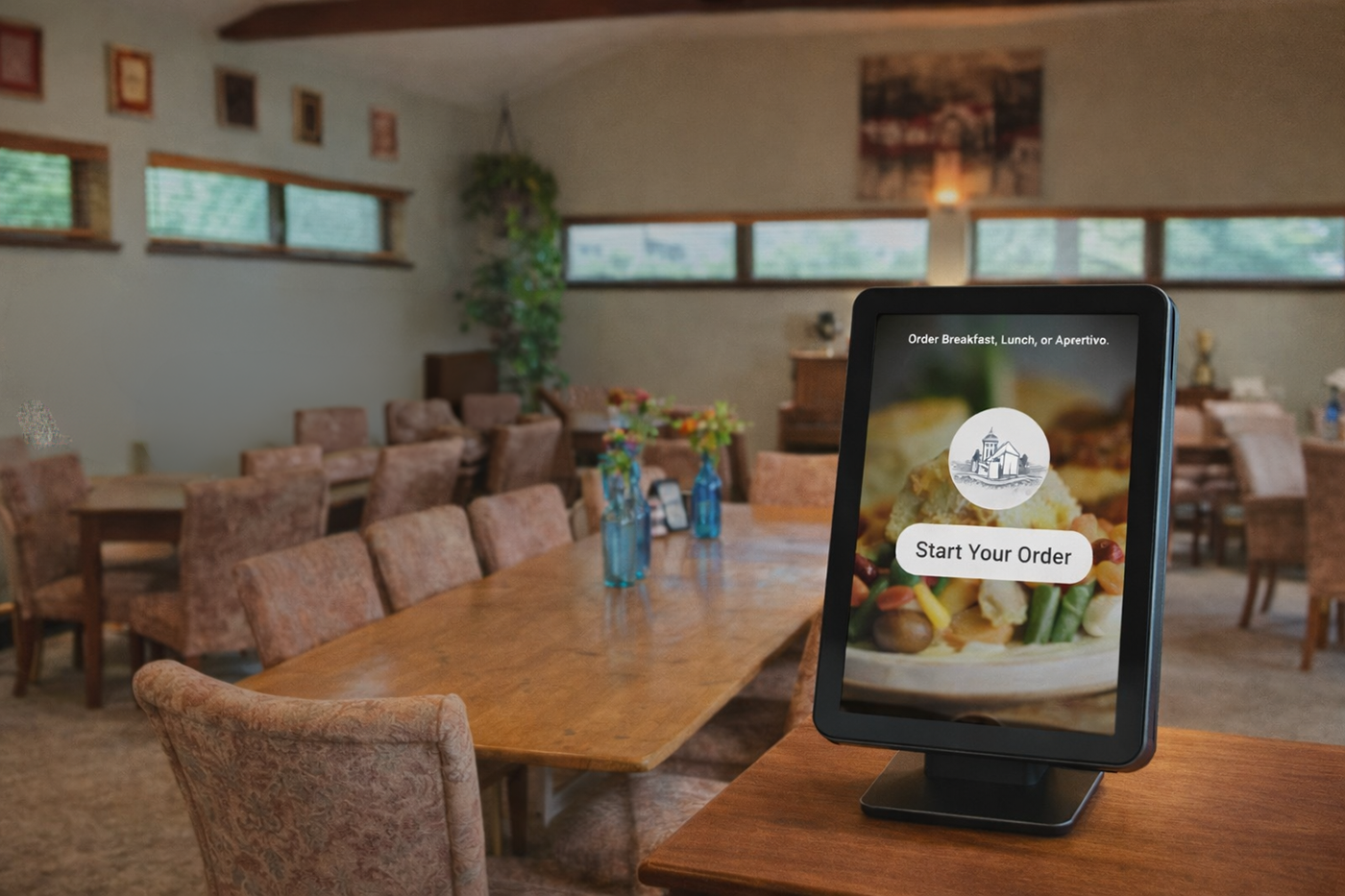
How to Pre-Order Your Food From our Kiosk

Craft Coffee and Breakfast Ordering Instructions (Lunch and Dinner use is the same)
-
Start Your Order
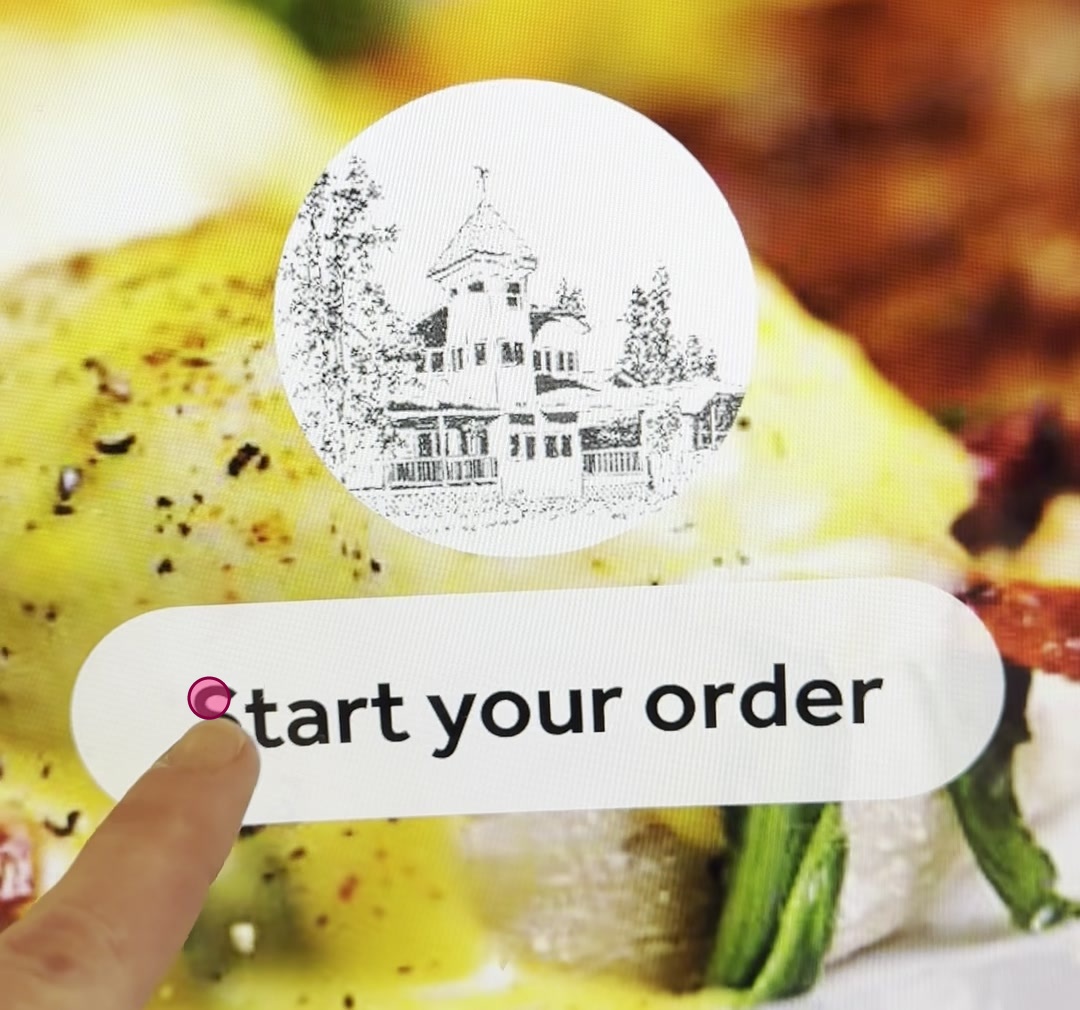
Tap the 'Start your order' button on the main screen to begin.
-
Browse Menu Categories
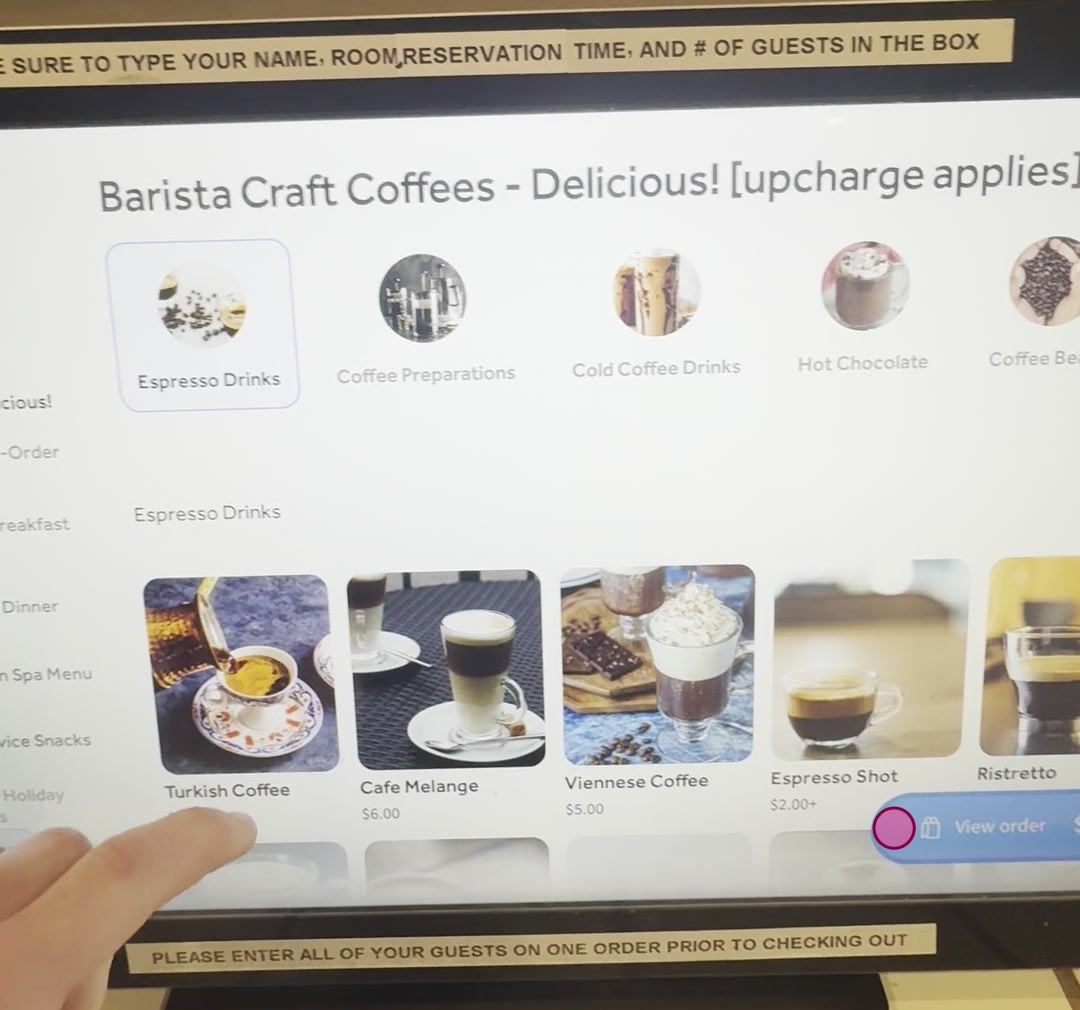
Scroll down through the menu to view the available food and drink categories.
-
Select Breakfast Category
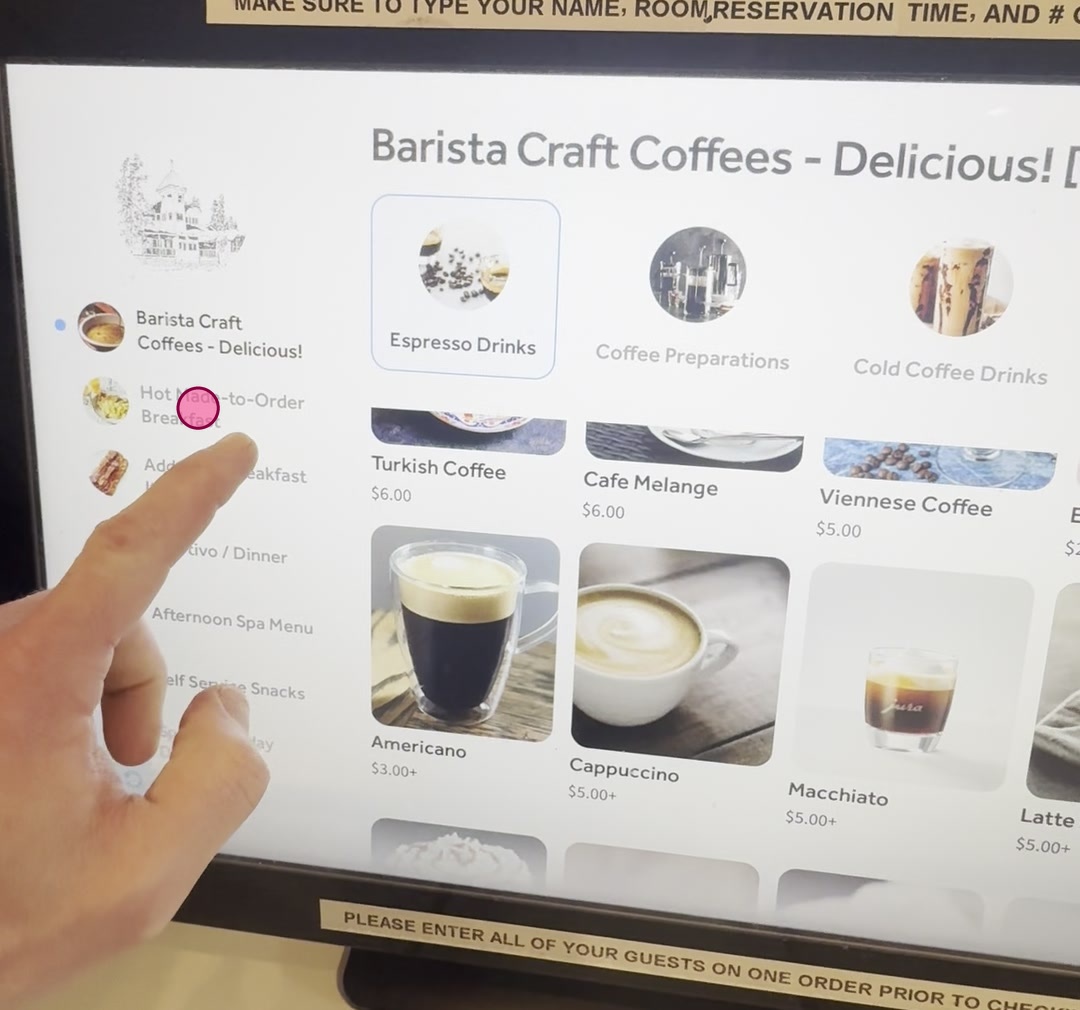
Tap the 'Hot Made-to-Order Breakfast' category to view breakfast items.
-
Choose Breakfast Selection (example is for our American Breakfast)
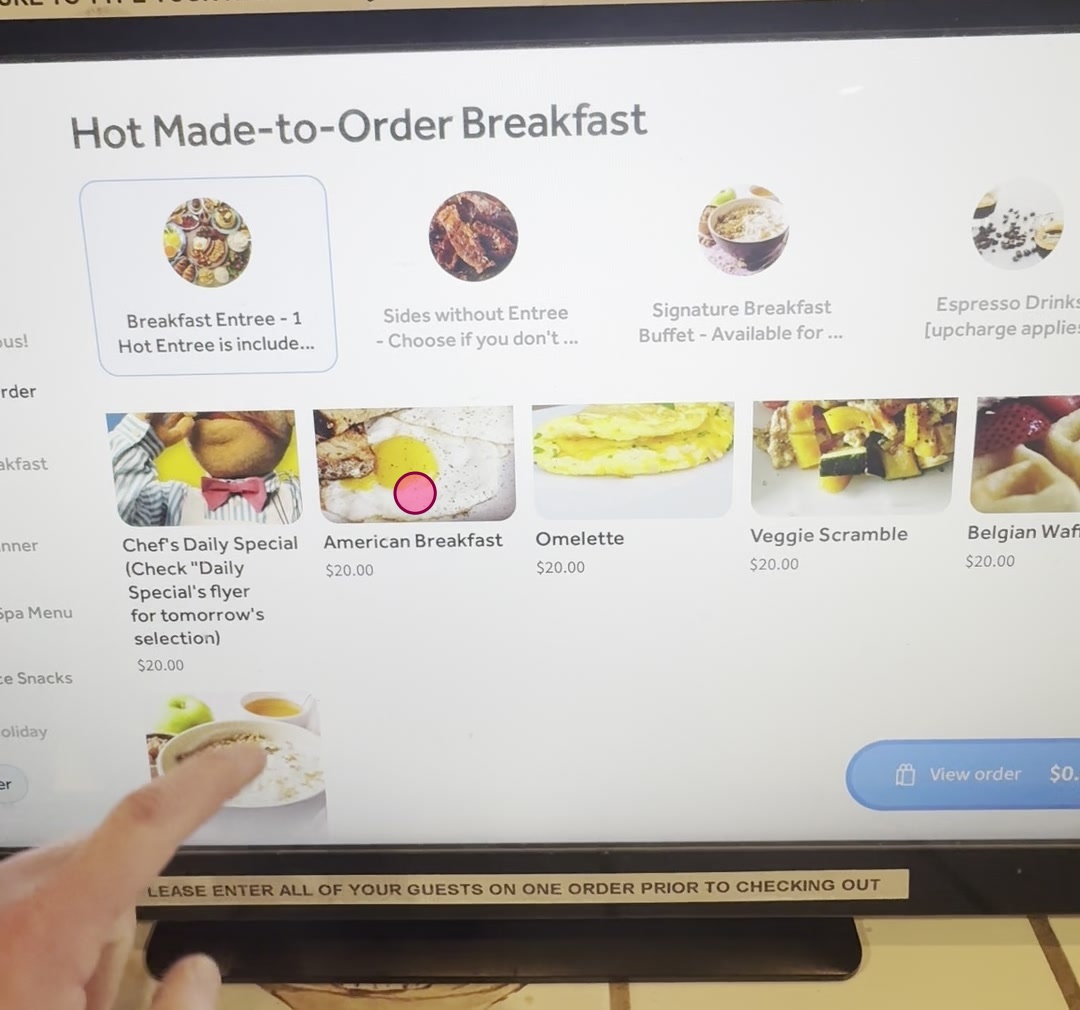
Scroll down through the breakfast items and tap the 'American Breakfast' option.
-
Customize Eggs
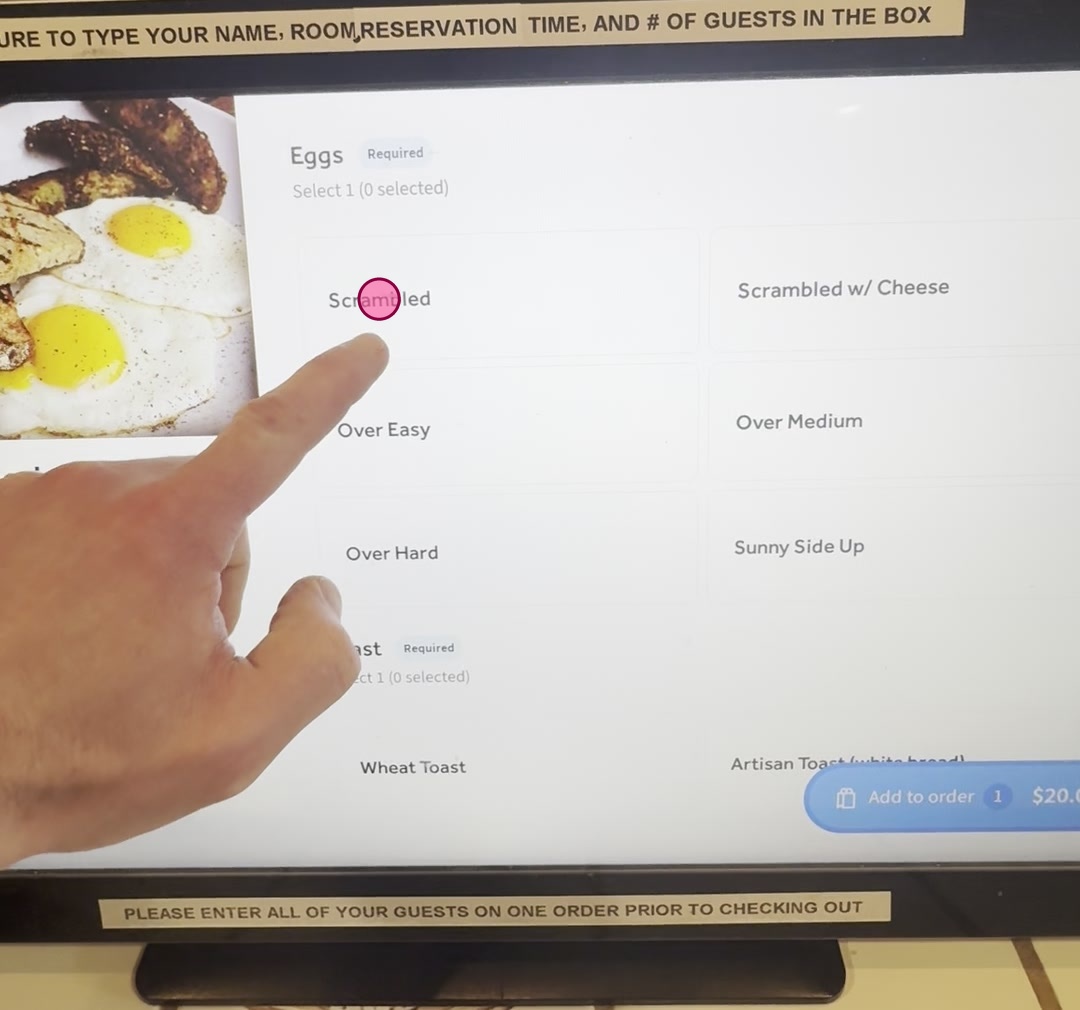
Tap 'Scrambled' under the 'Eggs' customization options.
-
Select Toast Type
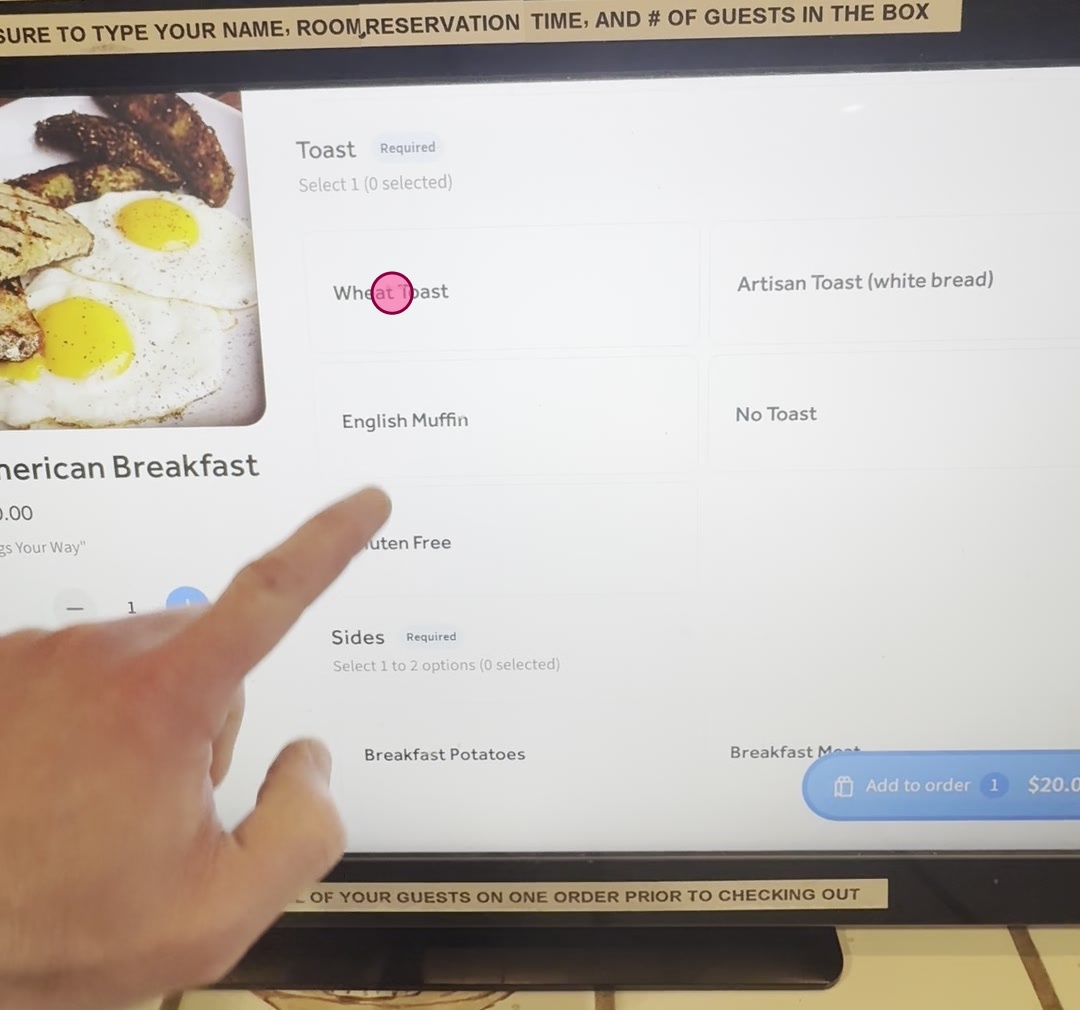
Scroll down and tap 'Wheat Toast' under the 'Toast' customization options.
-
Select Sides
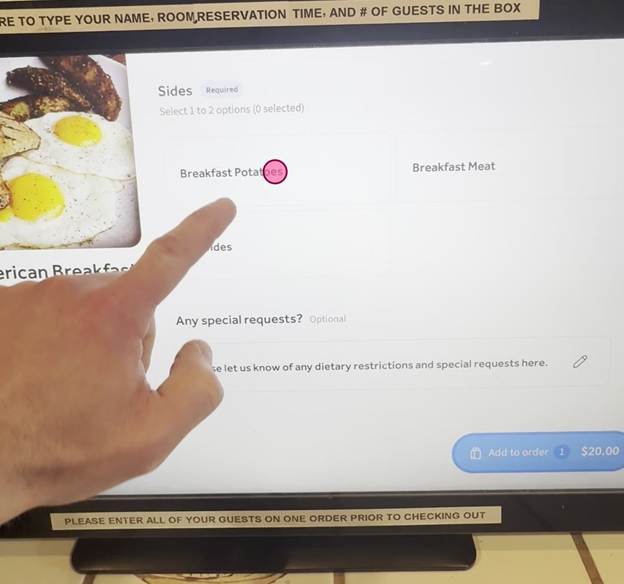
Scroll down and tap 'Breakfast Potatoes', then 'Breakfast Meat' under the 'Sides' options. You can select one side, both sides, or no sides.
-
Add Special Request
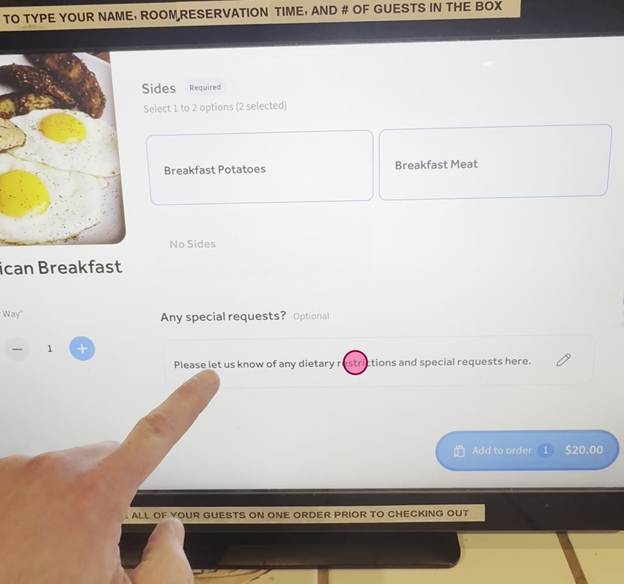
Tap the 'Any special requests?' text field to open a pop-up for additional notes.
-
Type Special Request
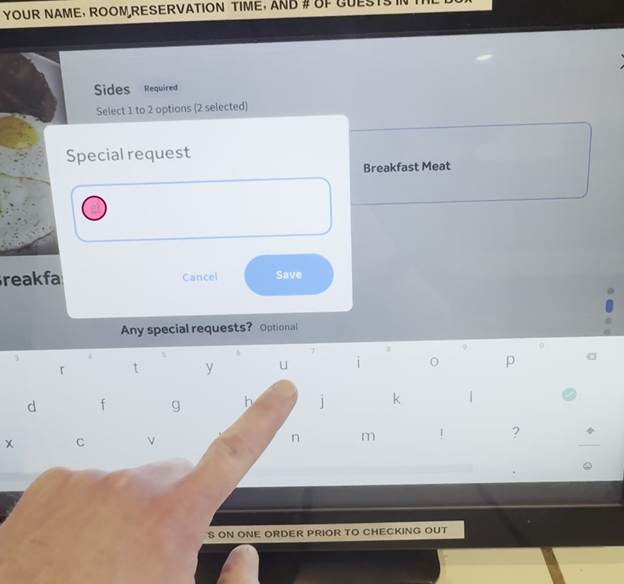
Type 'gluten' into the 'Special request' text field in the pop-up.
-
Save Special Request
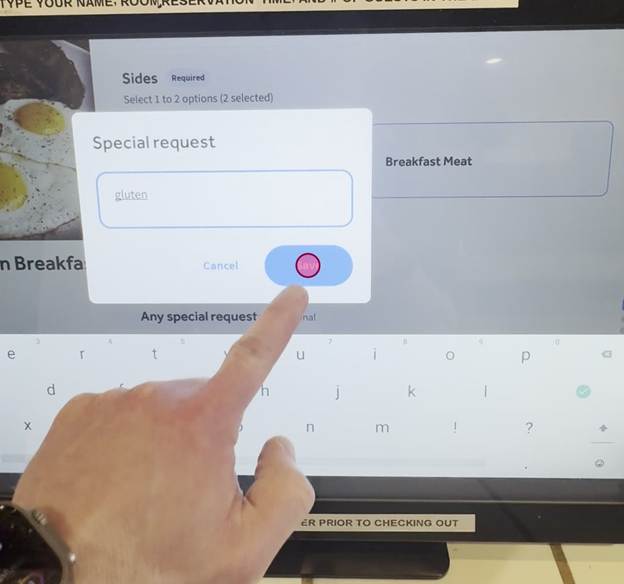
Tap the 'Save' button in the special request pop-up to confirm your request.
-
Add Item to Order
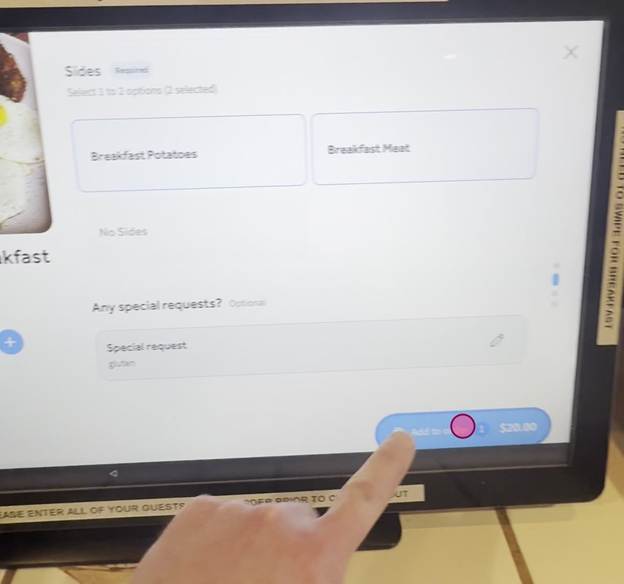
Tap the 'Add to order' button to add the customized American Breakfast to your cart.
-
Review Order Summary
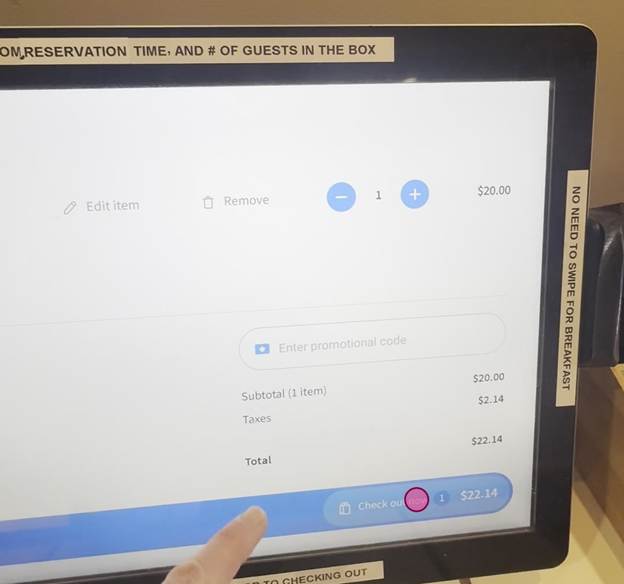
Tap the 'View order' button to see a summary of your current order.
-
Proceed to Checkout
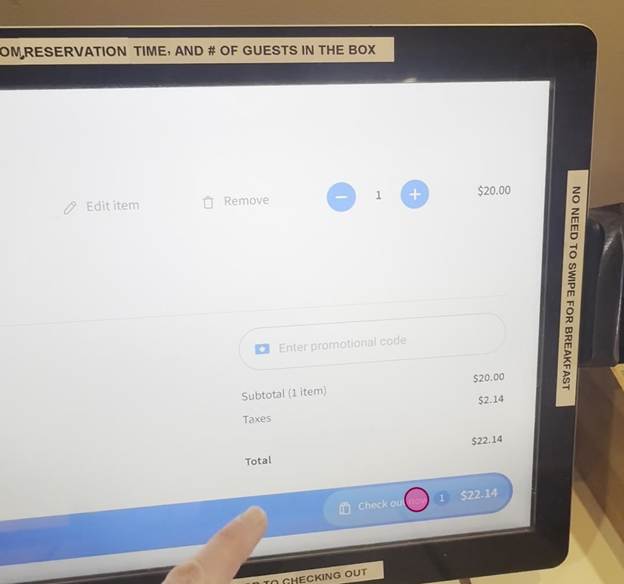
Tap the 'Check out now' button to continue to the payment and details screen.
-
Enter Customer Details
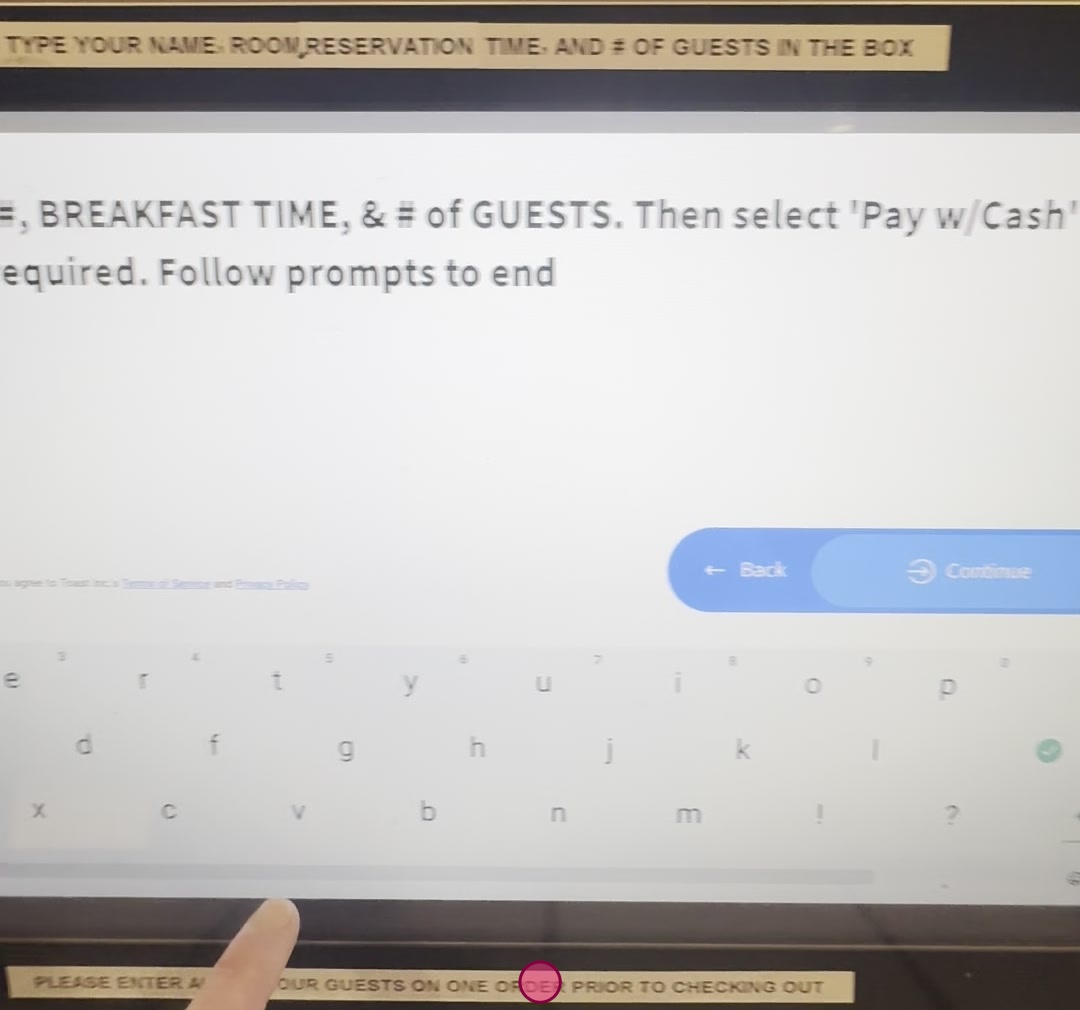
Tap the text field and your name, room number, number of guests, and selected breakfast time.
DO NOT ENTER PAYMENT - EACH GUEST HAS ONE COMPLIMENTARY BREAKFAST ENTREE INCLUDED
THE ONLY ADDITIONAL CHARGES ARE FOR CRAFT COFFEES OR IF YOU ORDER ADDITIONAL ITEMS
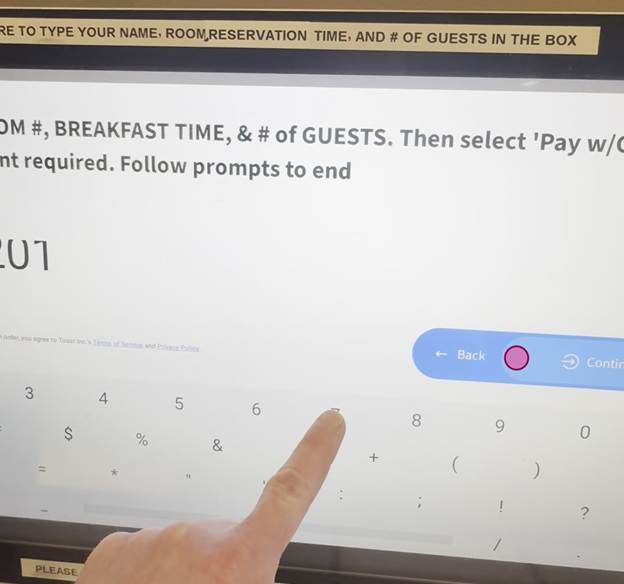
Tap the 'Continue' button to proceed after entering your details.
Tap the 'Pay with Cash' button as your payment method.
-
Print Receipt
Tap the 'Print receipt' button to send your order to us.
-
Kiosk send receipt to the kitchen. All done!
Tap the 'Great thanks!' button to finalize and complete your order.